

Build & operate
Read the results
Node outputs, the data table, and downloads.
Double-click any node after a run:
- Table, Data Source and Query nodes open on their Output.
- Other nodes open on Settings with an Output tab.
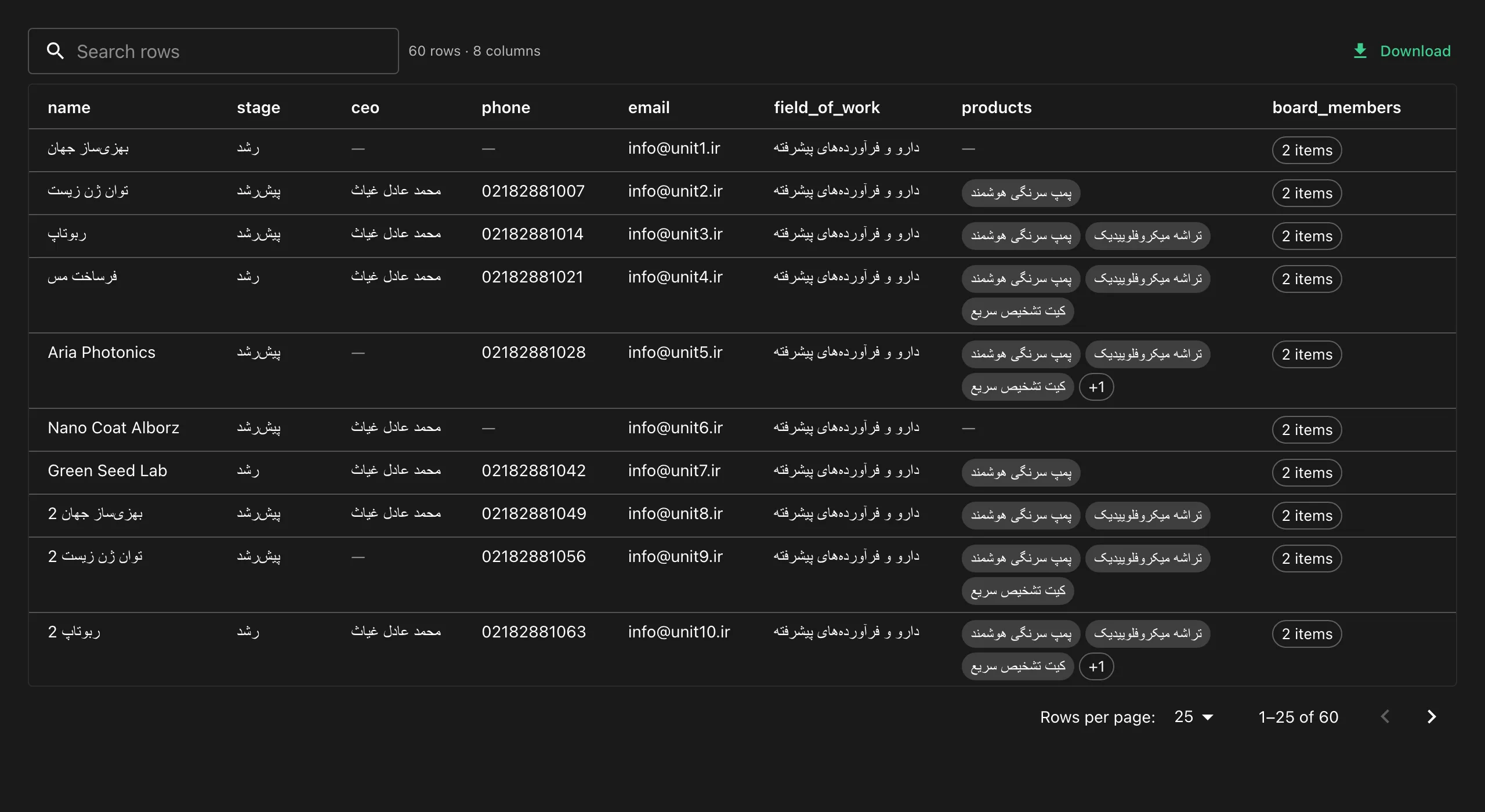
The data table
Section titled “The data table”- Type to search, click a header to sort, page through rows.
- Click a row to see all of its fields.
- Download as CSV or JSON.
- Lists show as chips, empty values are dimmed, and right-to-left text reads correctly.
Node cards show counts such as 60 rows · 8 columns or Saved 76 raw pages, 200 images.
Where to look first when results are wrong
Section titled “Where to look first when results are wrong”Open the Markdown Converter’s output. If it is nearly empty, the LLM had nothing to work with. See Troubleshooting.