Build & operate
The canvas
Add, connect, move and open nodes.
- Add nodes from the toolbar and connect them by dragging from one node’s handle to another’s.
- Move a node by dragging it. Pan by dragging the background (left or middle button). Zoom with the scroll wheel.
- Double-click a node to open it.
- A node can feed several nodes. A branch can end in a Table while another stores to a Data Source.
Settings in plain language
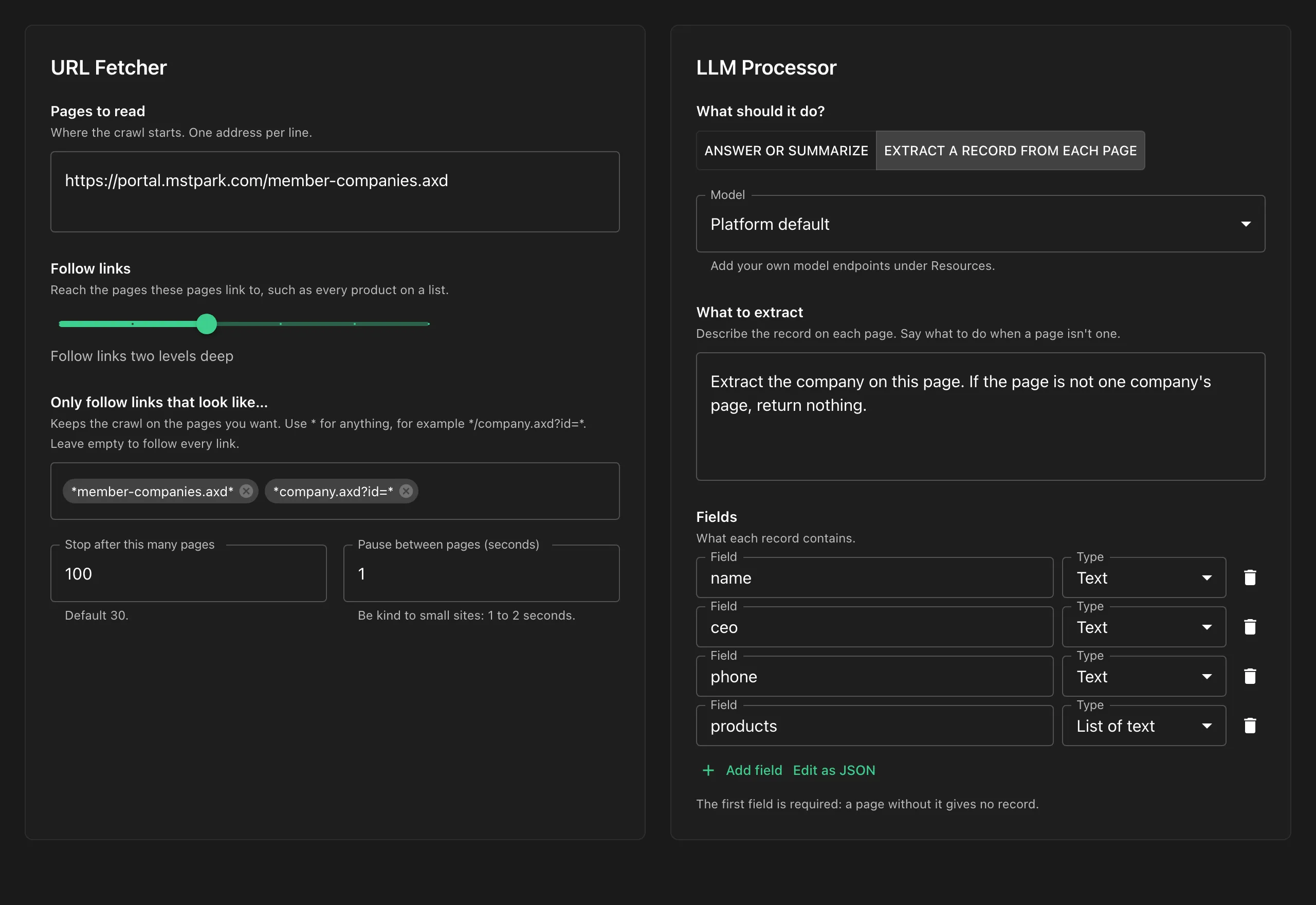
Section titled “Settings in plain language”The fetcher, Markdown, LLM and Data Source nodes have their own controls. Every other option lives under More options, generated from crawler-core’s schema, so nothing the engine supports is out of reach.
Saving and versions
Section titled “Saving and versions”Workflows in a workspace are versioned. Saving needs the version you loaded, and a stale save is refused with an error ending “Reload to get the latest version”. That means someone (or your AI agent) saved after you opened it. Reload to continue.
The Playground is never saved.